


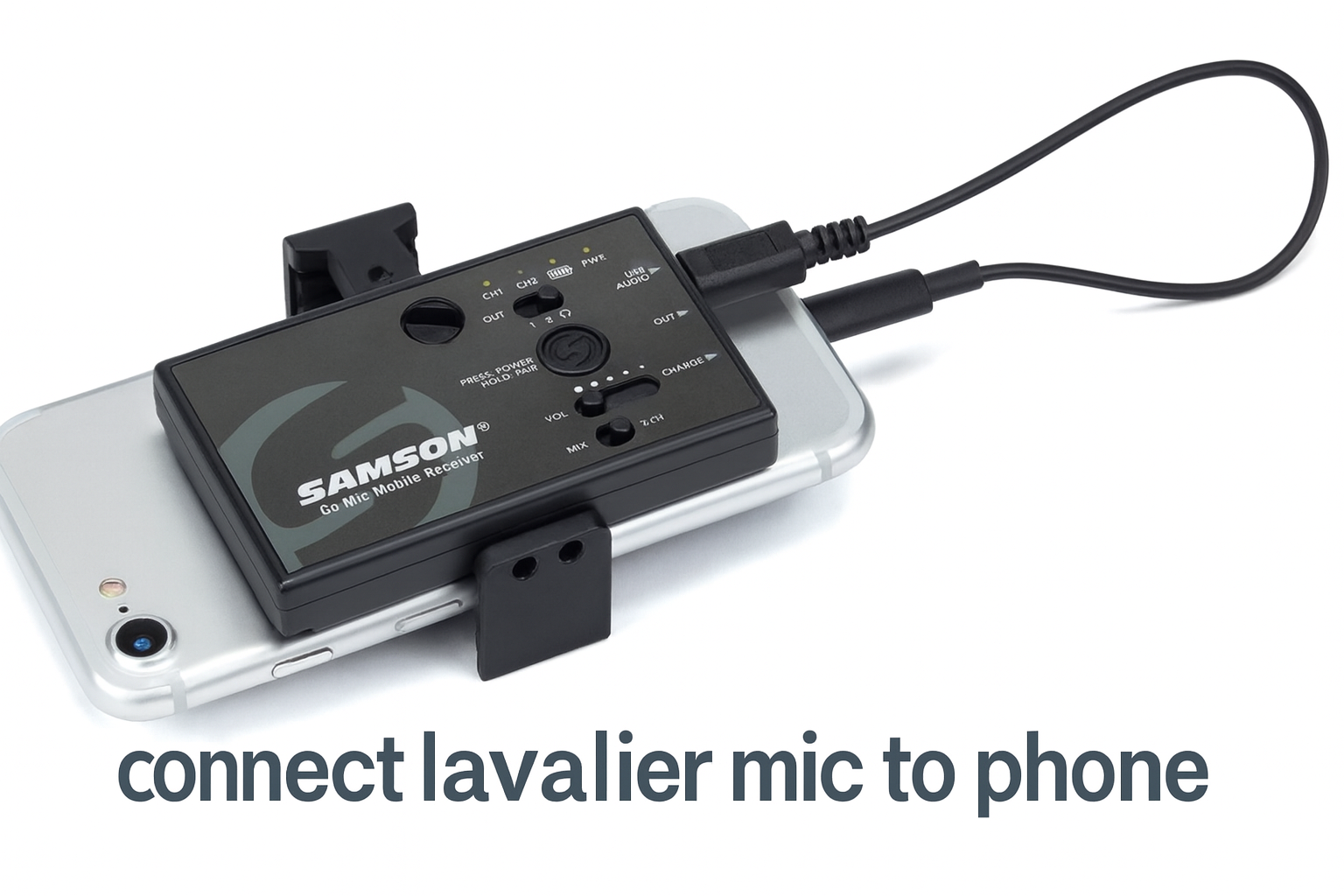
Lavalier microphones—also called lav mics or lapel mics—are small, clip-on microphones that deliver clean, hands-free audio for interviews, vlogs, livestreams, podcasts, Zoom calls, and mobile filmmaking. But even though they’re simple tools, many users struggle to get them working properly with their smartphones.
If you’ve ever plugged in a lav mic and your phone still recorded from the internal microphone, or you heard static, low volume, or no sound at all—this guide is for you.
This comprehensive tutorial explains exactly how to connect lavalier microphone to an iPhone or Android device, which adapters you need, common mistakes to avoid, and troubleshooting tips pulled from real user questions on Reddit, Quora, filmmaking forums, and mobile creator communities.
Understanding How Lavalier Mics connect lavalier to Phones
Before you plug in your mic, there are a few things you need to know:
1. Connector Types Matter
- TRRS (4-pole) connectors are designed for smartphones.
- TRS (3-pole) connectors are meant for cameras, DSLRs, and audio recorders.
If your lav mic is TRS and your phone expects TRRS, it will not work without an adapter.
This is the #1 issue users discuss in audio forums.
2. Phones Use Different Input Ports
Modern smartphones use:
- Lightning ports (iPhones)
- USB-C ports (newer Android phones and iPhone 15 onward)
- Older phones may still have a 3.5 mm headphone jack, but these are rare.
3. Some Lavaliers Need Power
Consumer lav mics work with smartphones using plug-in power (bias voltage).
Professional lavaliers (like XLR models) often require phantom power, meaning you need a preamp or audio interface.
How to Connect a Lavalier Mic to an iPhone
iPhones no longer include headphone jacks, so you must use an adapter.
What You Need:
- A TRRS lavalier mic (or TRS mic + TRS-to-TRRS adapter)
- The official Apple Lightning to 3.5 mm adapter
- Your recording app of choice
Steps:
- Plug your lav mic into the TRRS adapter (if required).
- connect lavalier the lav/adapter into the Apple Lightning adapter.
- Insert the Lightning adapter into your iPhone.
- Open your recording or camera app.
- Speak into the mic and test audio levels.
Tip: Apple’s official adapter works best. Many cheap knockoffs pass headphone audio but not microphone input.
How to Connect a Lavalier Mic to an Android Phone
Android phones vary by manufacturer. Some accept analog audio through their USB-C ports, while others only support digital audio.
Option 1: If your Android supports analog audio
You can use:
- A USB-C to 3.5 mm dongle that supports microphone input
- A TRRS lav mic
- Or a TRS mic + TRRS adapter
Option 2: If your Android requires digital audio
Use:
- A USB-C digital audio interface, or
- A lav mic with a USB-C receiver (common in wireless systems)
Steps:
- connect lavalier your lav mic to the TRRS adapter (if needed).
- Plug it into the USB-C dongle or interface.
- Plug the adapter into your phone.
- Open a recording or camera app.
- Test the microphone level.
Note: Some Android phones require you to manually select “External Mic” in the camera or recording app.
How to Connect Wireless Lavalier Mics to a Phone
Wireless lav systems are becoming the most popular method because they avoid cable noise and clothing rustle.
Wireless systems connect lavalier via:
- USB-C receiver
- Lightning receiver
- 3.5 mm TRRS cable
- Bluetooth
Examples include Rode Wireless GO, DJI Mic, and Boya wireless kits.
How to connect:
- Clip the lav mic into the transmitter.
- Attach the receiver to your phone (USB-C or Lightning).
- Turn on the transmitter and receiver.
- Select external microphone input (if your app supports it).
- Test the audio.
Best Apps for Recording Audio on a Phone
Using a better audio app gives you control over gain, monitoring, and mic selection.
iPhone:
- Voice Memos
- RØDE Capture
- Filmic Pro
- Ferrite
Android:
- Open Camera
- Easy Voice Recorder
- Cinema FV-5
- Dolby On
If your phone struggles to recognize the external mic, these apps often help force detection.
Common Problems and How to Fix Them
1. Phone still uses internal mic
- You’re likely using a TRS mic without a TRRS adapter.
- Reconnect everything firmly.
- Use a different app and select external audio.
2. Static, buzzing, or humming
- Caused by poor grounding, cheap adapters, or cable interference.
- Move the cable, try a better adapter, or use ferrite beads.
3. Very low volume
- Increase gain in your recording app.
- Use a lav mic with built-in battery power.
4. Clothing noise
- Clip the mic to firm fabric on the chest.
- Add a windscreen.
FAQ: How to connect lavalier Mic to a Phone
1. Why is my phone not detecting my lavalier microphone?
Because most lavs use TRS, not TRRS, wiring. You need a TRS-to-TRRS adapter for the mic to be recognized by your phone.
2. Can I use a lavalier mic with an iPhone without a headphone jack?
Yes. You must use the official Lightning to 3.5 mm adapter and a TRRS-compatible lavalier microphone.
3. Can I plug a lavalier mic directly into a USB-C Android phone?
Sometimes. Some Android phones support analog audio via USB-C; others require a USB-C digital audio interface.
4. Why does my lav mic have static or humming noise?
This can be caused by:
- Poor adapters
- Grounding issues
- Interference
- Clothing rubbing the mic capsule
Use higher-quality adapters and proper mic placement.
5. Do wireless lavalier microphones work with smartphones?
Yes. Many wireless systems connect lavalier via USB-C, Lightning, or 3.5 mm TRRS, and provide excellent stability and cleaner audio.
6. How do I know if my connect lavalier mic needs phantom power?
Smartphone lav mics do not need phantom power.
Professional XLR lavs do and require a preamp or interface.
7. Which recording app should I use?
For iPhone: Voice Memos, Filmic Pro, or Ferrite.
For Android: Open Camera, Easy Voice Recorder, or Cinema FV-5.
8. How far from the mouth should I place a connect lavalier mic?
6–8 inches is ideal—usually on the chest or lapel.
9. Do I need a windscreen?
Yes. It reduces wind, breath noise, and clothing rustle.
10. Can I use a lav mic while filming for TikTok or Instagram?
Yes, but some apps ignore external mics.
If that happens, record audio separately and sync it in editing.
Final Thoughts
Connect lavalier a lavalier microphone to a phone is simple once you understand the connect lavalier types and know which adapters your device requires. Whether you’re filming interviews, creating content, or recording voiceovers, a lav mic dramatically improves audio quality—and with the right setup, your phone becomes a powerful recording tool.
